
Description
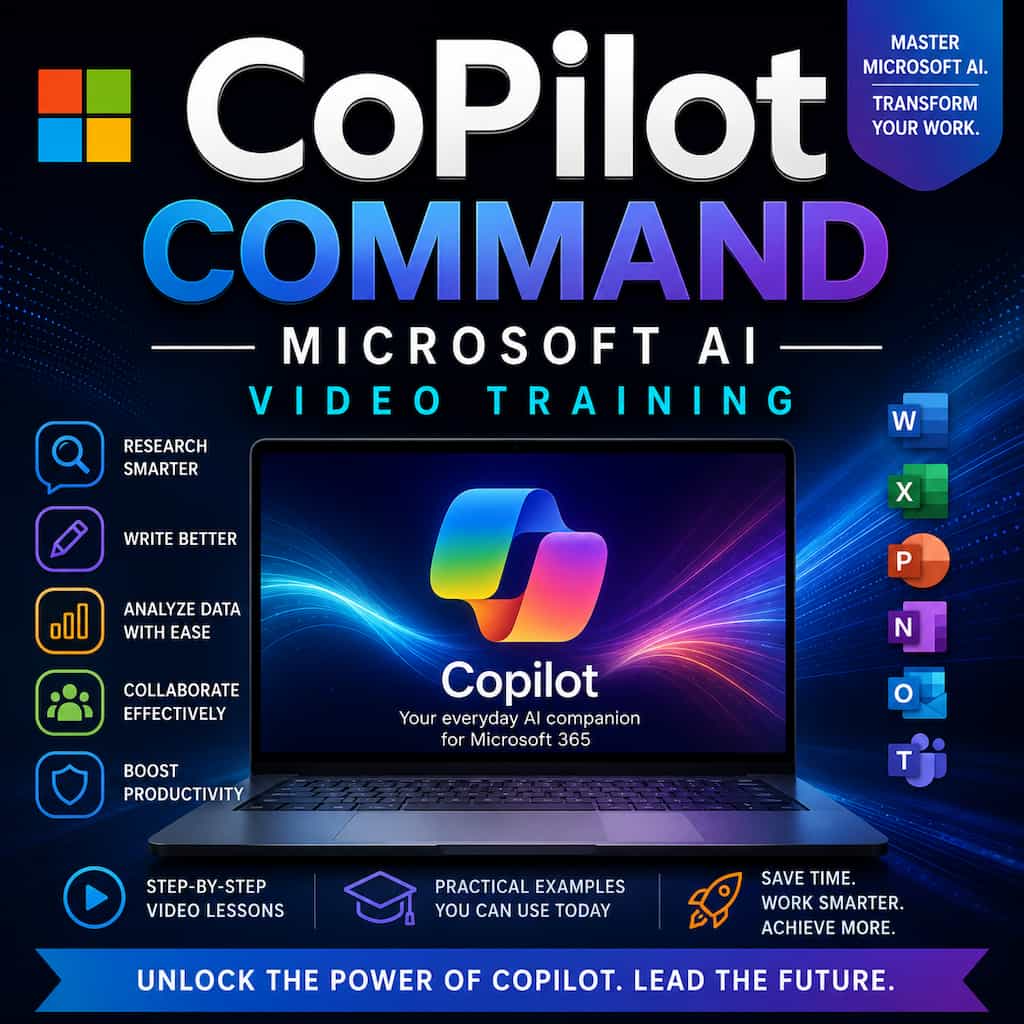
CoPilot Command – Microsoft AI Video Training is a comprehensive video course designed to help you fully understand and leverage Microsoft Copilot to improve productivity, streamline workflows, and unlock new possibilities with AI.
Watch a preview:
This training shows you exactly how to use Copilot across the Microsoft environment to complete tasks faster and produce better results.
By the end of this course, you will know how to use Copilot to:
✔ automate routine work
✔ generate professional content
✔ analyze information quickly
✔ organize projects more efficiently
✔ enhance decision-making with AI
Instead of feeling overwhelmed by AI tools, you’ll learn how to command them with confidence.

Why Microsoft Copilot Is a Game Changer
Microsoft Copilot is deeply integrated into tools used by millions of professionals worldwide, including:
• Word
• Excel
• PowerPoint
• Outlook
• Teams
This means AI is now embedded directly into the tools people use to write, analyze data, create presentations, communicate, and collaborate.
When used correctly, Copilot can help you:
• complete tasks faster
• generate ideas instantly
• summarize complex information
• automate repetitive work
It turns everyday software into a powerful AI productivity system.
What You’ll Learn Inside This Course
This training program provides a complete introduction to using Microsoft Copilot effectively.
1. Understanding Microsoft Copilot
Start by learning how Copilot works and how it fits into the Microsoft ecosystem.
You’ll understand:
• what Copilot can do
• how AI integrates with Microsoft tools
• how to structure prompts for better results
2. Copilot for Writing and Communication
Learn how to use Copilot to create professional written content such as:
• reports
• emails
• documents
• proposals
Copilot becomes your AI writing assistant.
3. Copilot for Data and Analysis
Discover how Copilot can help you analyze information faster by assisting with:
• summarizing data
• identifying insights
• organizing information
This dramatically improves decision-making.
4. Copilot for Presentations
Learn how Copilot can help you create professional presentations quickly by assisting with:
• slide creation
• presentation structure
• visual storytelling
This saves hours of preparation time.
5. AI Productivity Workflows
Discover how to combine Copilot features to build efficient workflows that allow you to:
• automate repetitive tasks
• streamline projects
• improve collaboration
Copilot becomes your personal AI productivity assistant.
Who This Course Is For
This course is perfect for:
• business professionals
• entrepreneurs
• managers
• office workers
• students
• anyone who uses Microsoft tools regularly
If you want to work faster and smarter using AI, this course will transform the way you use Microsoft software.
Imagine Working with an AI Assistant Inside Your Daily Tools
Instead of spending hours writing reports, analyzing information, or preparing presentations…
You could:
• generate content instantly
• summarize complex documents
• organize information quickly
• automate routine tasks
Microsoft Copilot becomes a powerful extension of your productivity.


Reviews
There are no reviews yet.